Gallery View
In the Gallery View, records are displayed in a tiled layout as cards. The card layout highlights image content, while other fields from the record can appear alongside the image.
Example
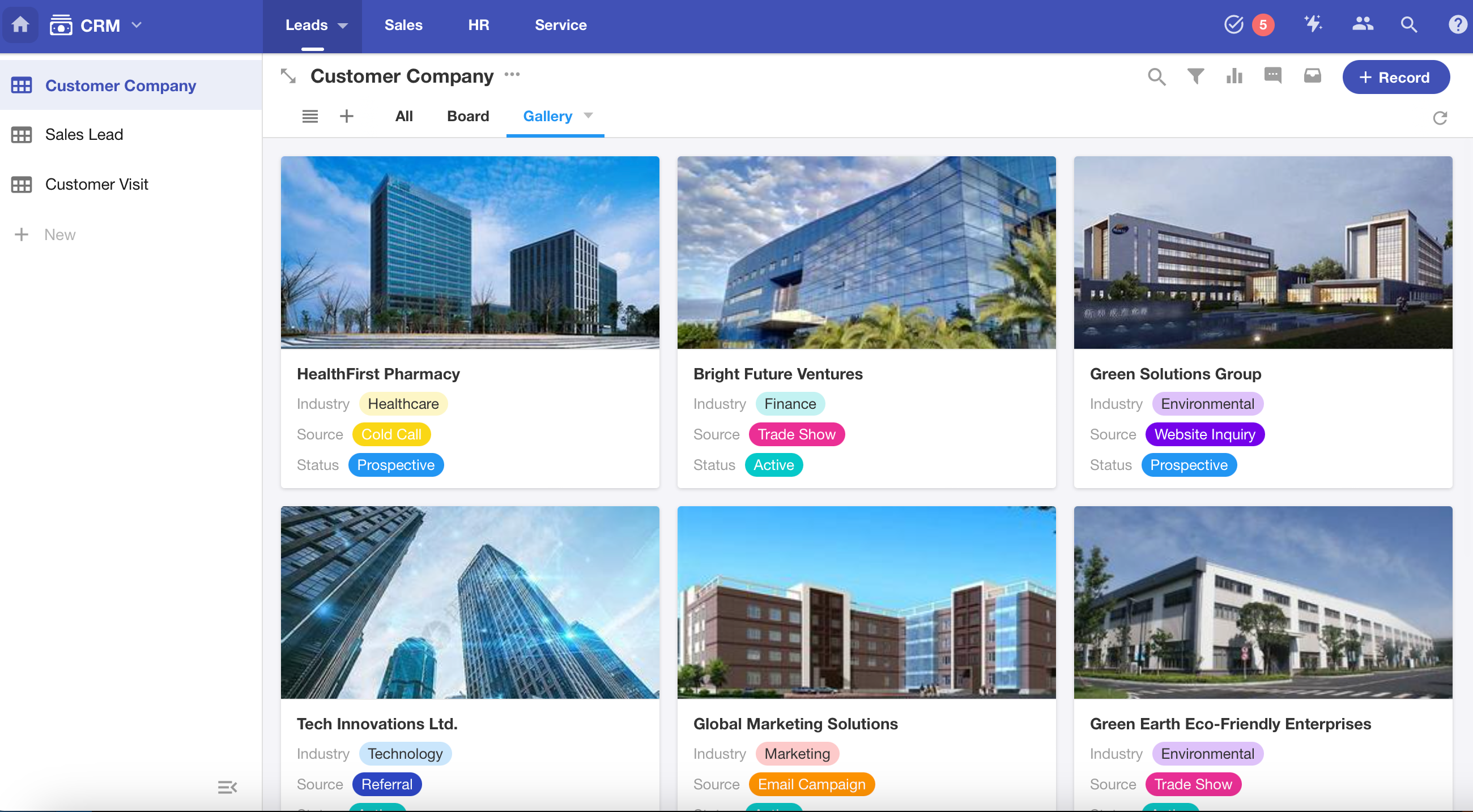
How to Create a Gallery View
1. Create a New View and Select “Gallery”
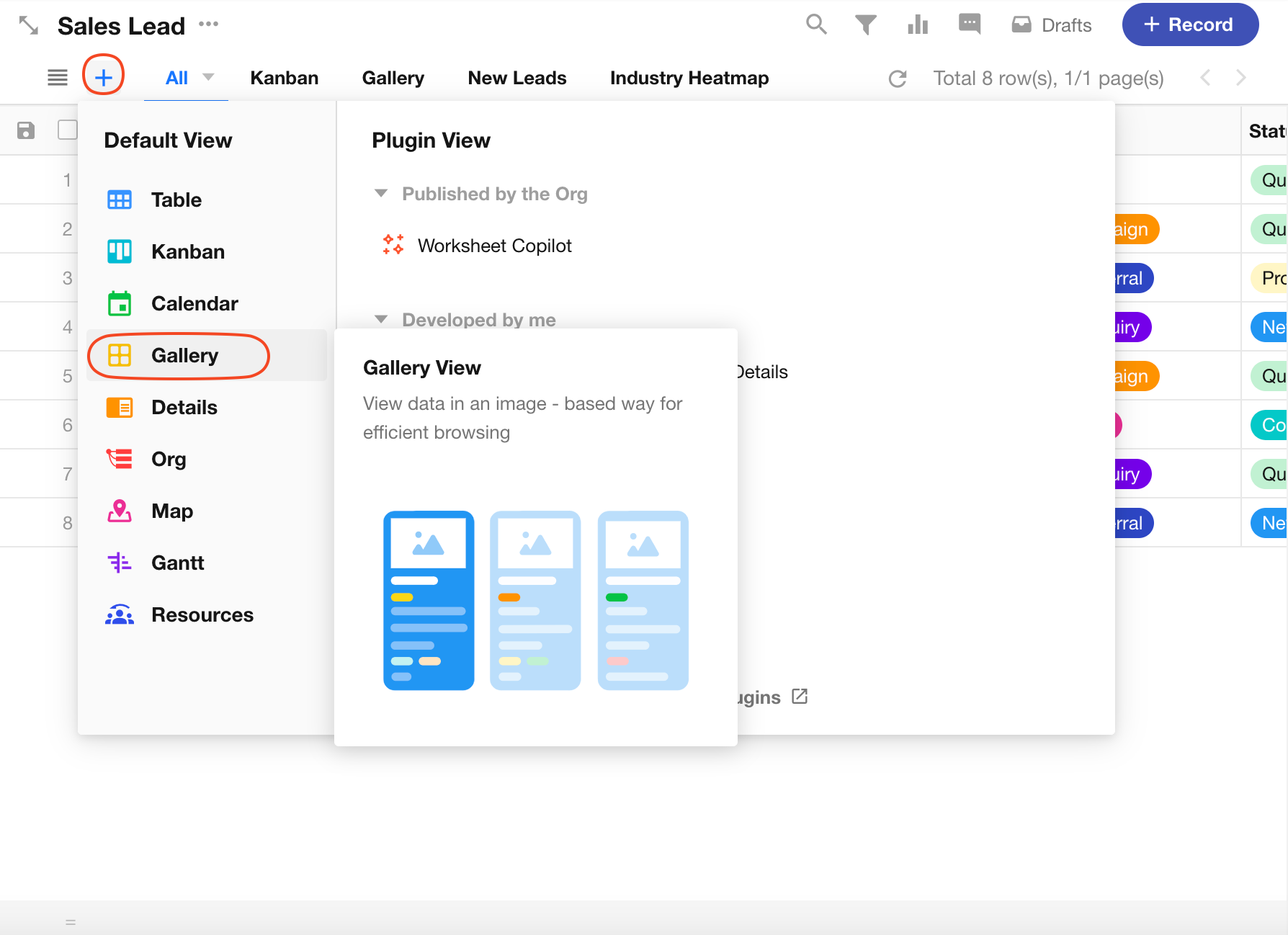
2. Configure Record Cards in the View
For detailed settings, refer to Card Settings in Kanban View
3. Filter/Sort/Field Visibility in Gallery View
These are basic configuration options shared across all view types. For configuration guidance, see: Table View
4. Quick Filter/Filter List
See Quick Filters in Table View
5. Grouping Records
Was this document helpful?