What Does "Queued" Workflow Mean?
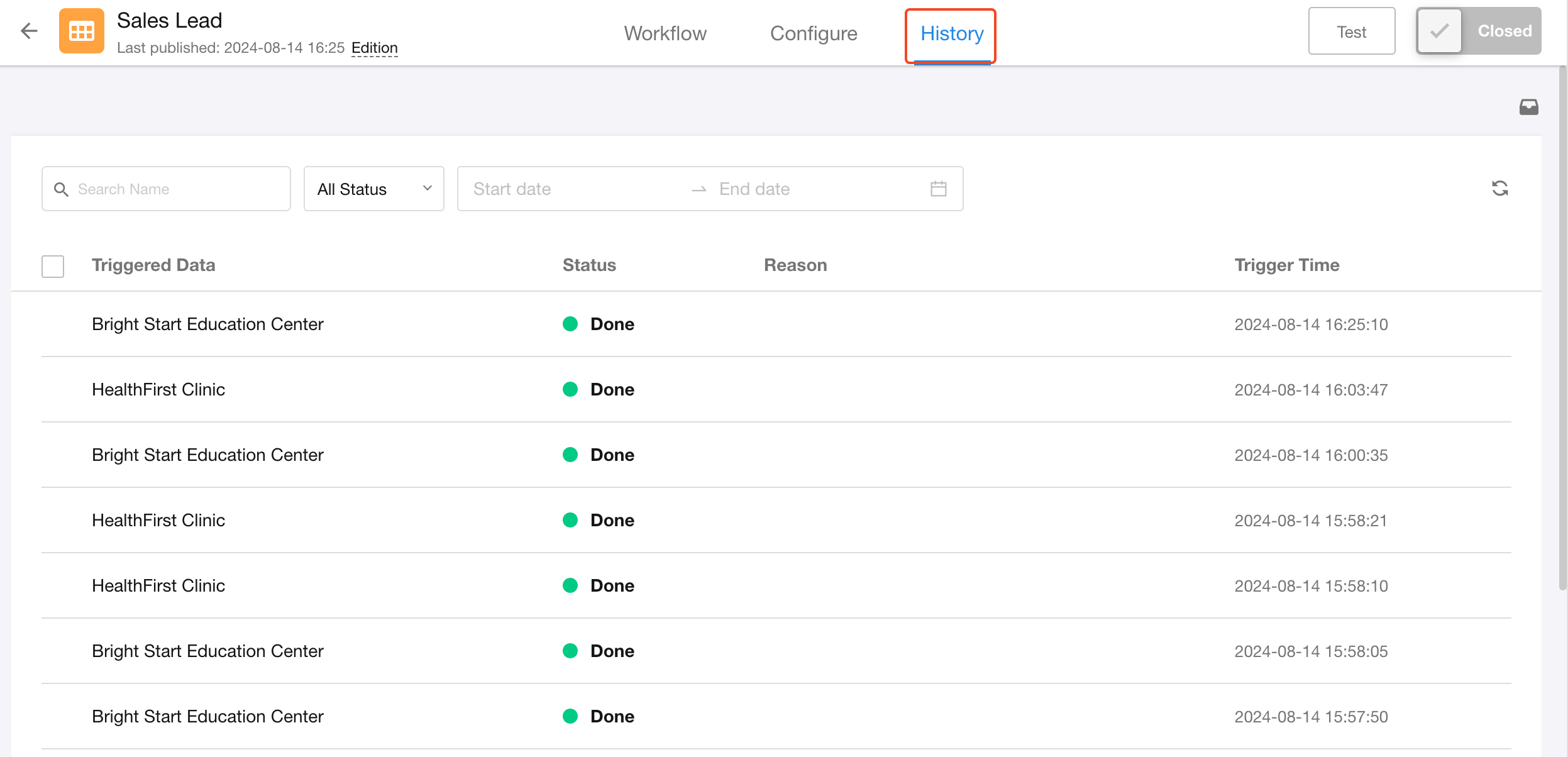
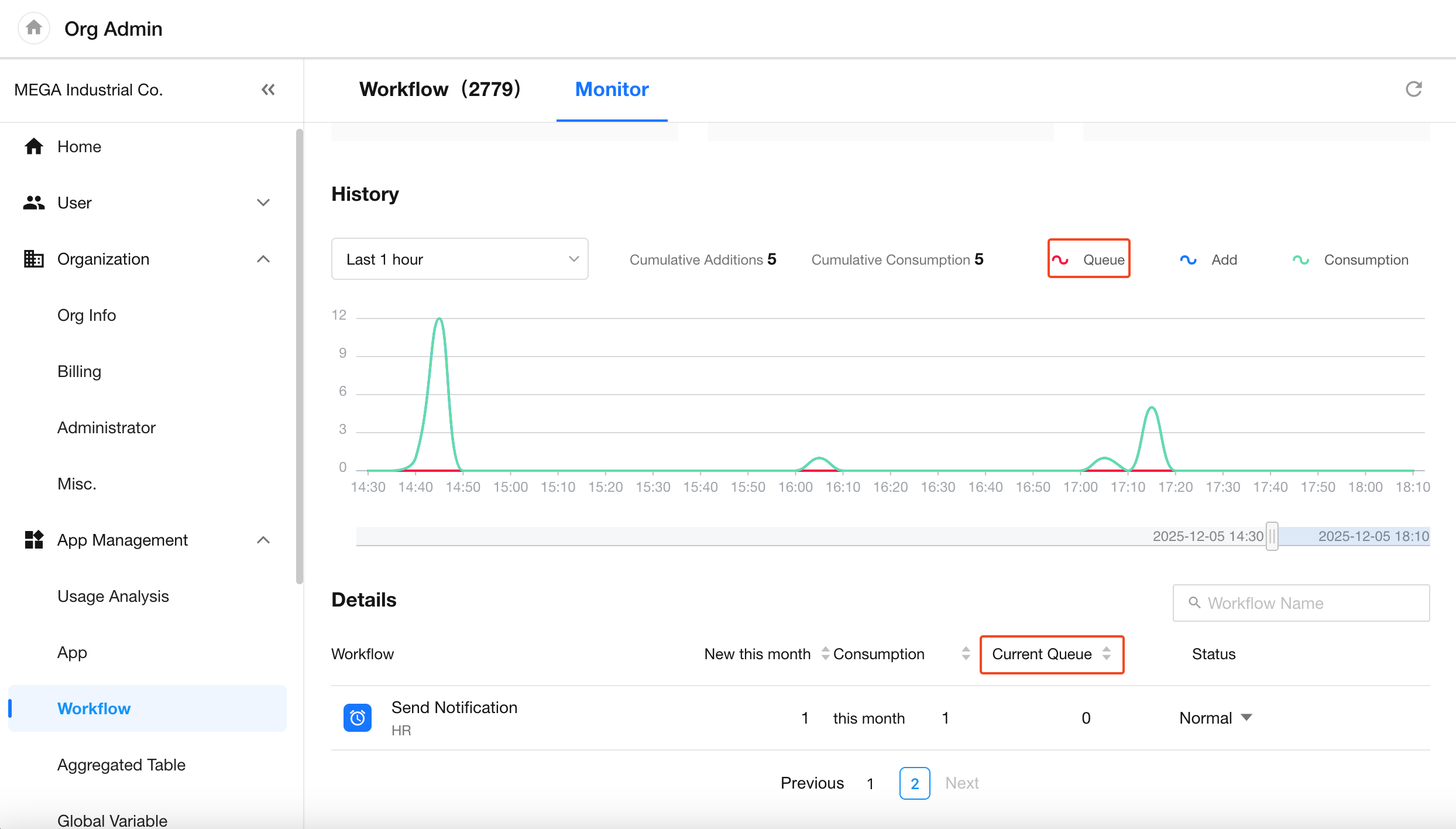
In the Workflow Execution History page and the Workflow Monitoring page in the organization console, you may see a number of queued workflows. This indicates that some workflows have been triggered but are waiting in queue before execution.
-
Workflow Execution History Page
-
Workflow Monitoring Page
Why Are Workflows Queued?
Whether your workflow is set to execute sequentially or in parallel, it may enter a queued state.
-
For sequential workflows, queuing occurs because only one instance can be executed at a time. When too many instances are triggered in a short period, the rest will have to wait in line.
-
For parallel workflows, queuing can also occur. This is typically due to current server resource optimization, where the system automatically queues high volumes of executions to maintain performance.
Workflow execution uses a shared service across all organizations on the platform. Even if your organization shows no queued workflows, other organizations might have active queues that affect overall processing time.
How Does Queueing Affect Workflow Behavior?
-
If an admin pauses workflow consumption from the admin panel due to an issue, users can still trigger workflows from the front end. These workflows will continue to accumulate in the queue.
- Queued Count = Workflows already queued before the pause + new workflow triggers after the pause.
-
Only one running workflow instance per record is allowed at a time.
- If the same record is used to trigger the same workflow multiple times during the paused period, only one instance will be executed after resumption.
How to Pause Queued Workflows
Was this document helpful?