Worksheet Relationships
Worksheets in an application can be connected through relationship fields to model how records relate to each other.
The three common relationship types are:
- One-to-One (1:1)
- One-to-Many (1:N)
- Many-to-Many (N:N)
One-to-One (1:1)
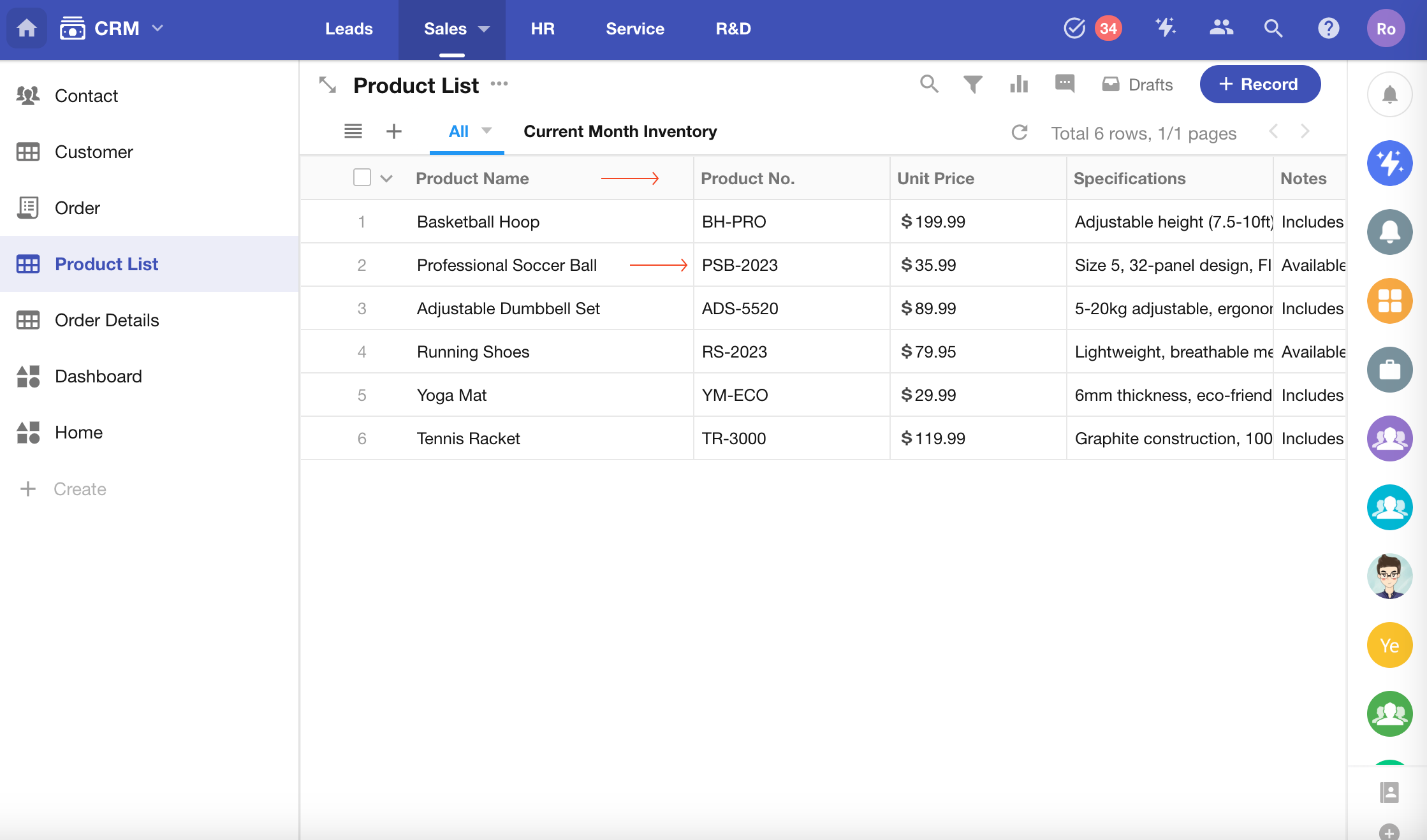
A one-to-one relationship means each record corresponds to exactly one record on the other side.
Typical use cases:
- Product ↔ Product ID
- Employee ↔ Employee ID
In most scenarios, these are simply attributes of the same object, and are usually stored in a single worksheet rather than split into multiple worksheets.
One-to-Many (1:N)
A one-to-many relationship means one record can be associated with multiple records, while each of those records belongs to only one parent.
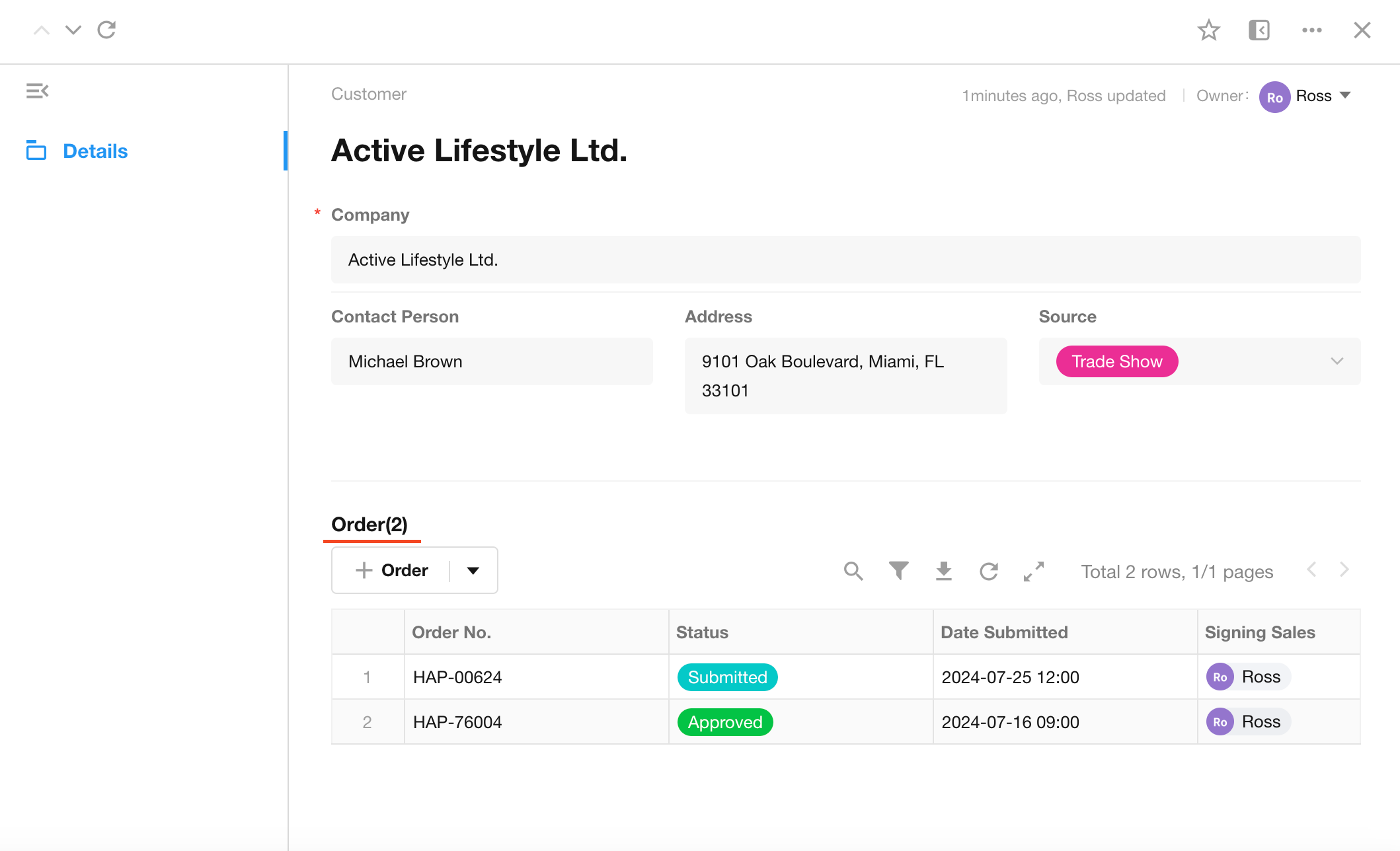
Example: Customer → Orders
- A customer can have multiple orders
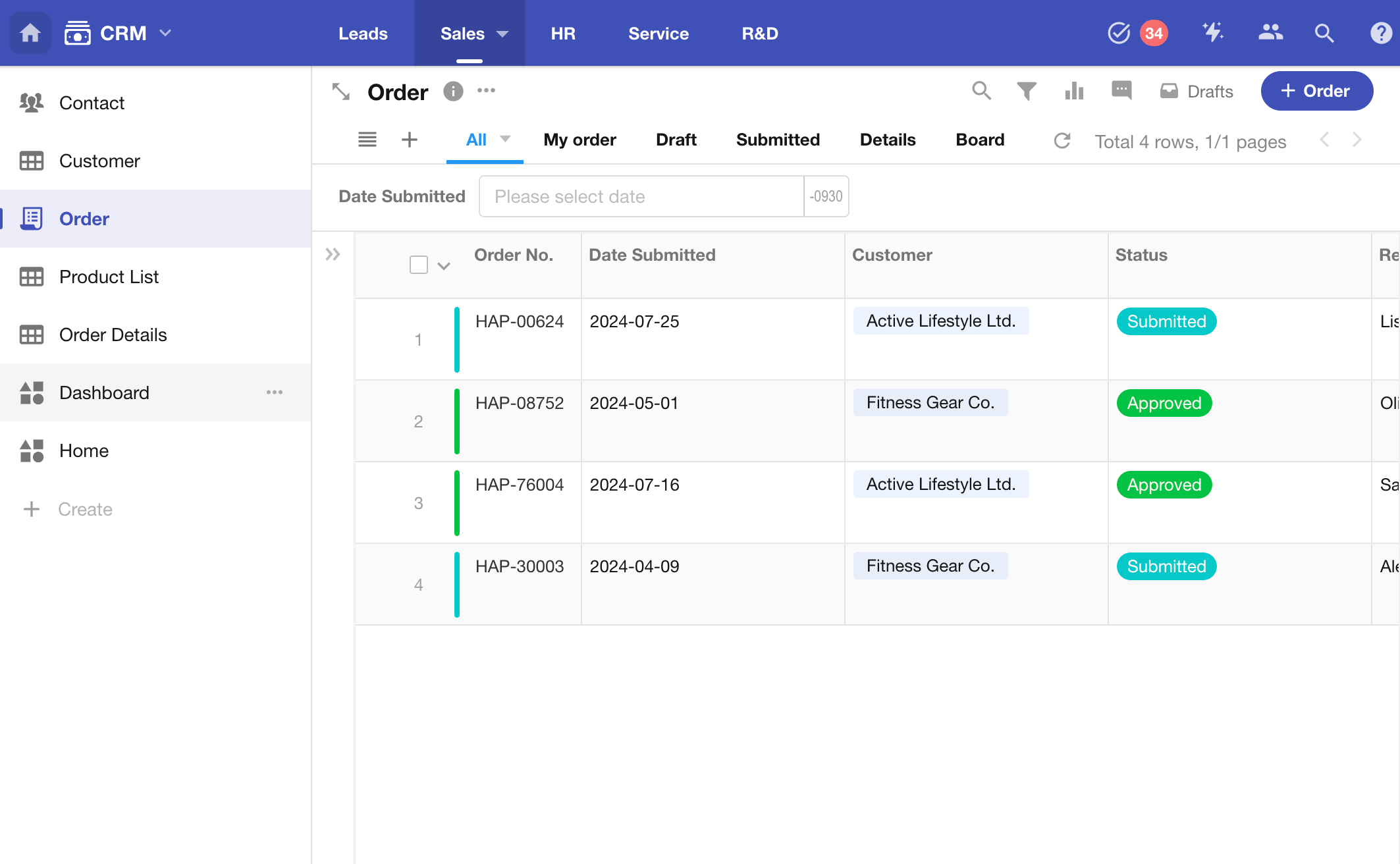
- Each order belongs to one customer
Structure:
- Customer worksheet: stores customer information
- Order worksheet: stores order details
These two worksheets are linked using a relationship field.
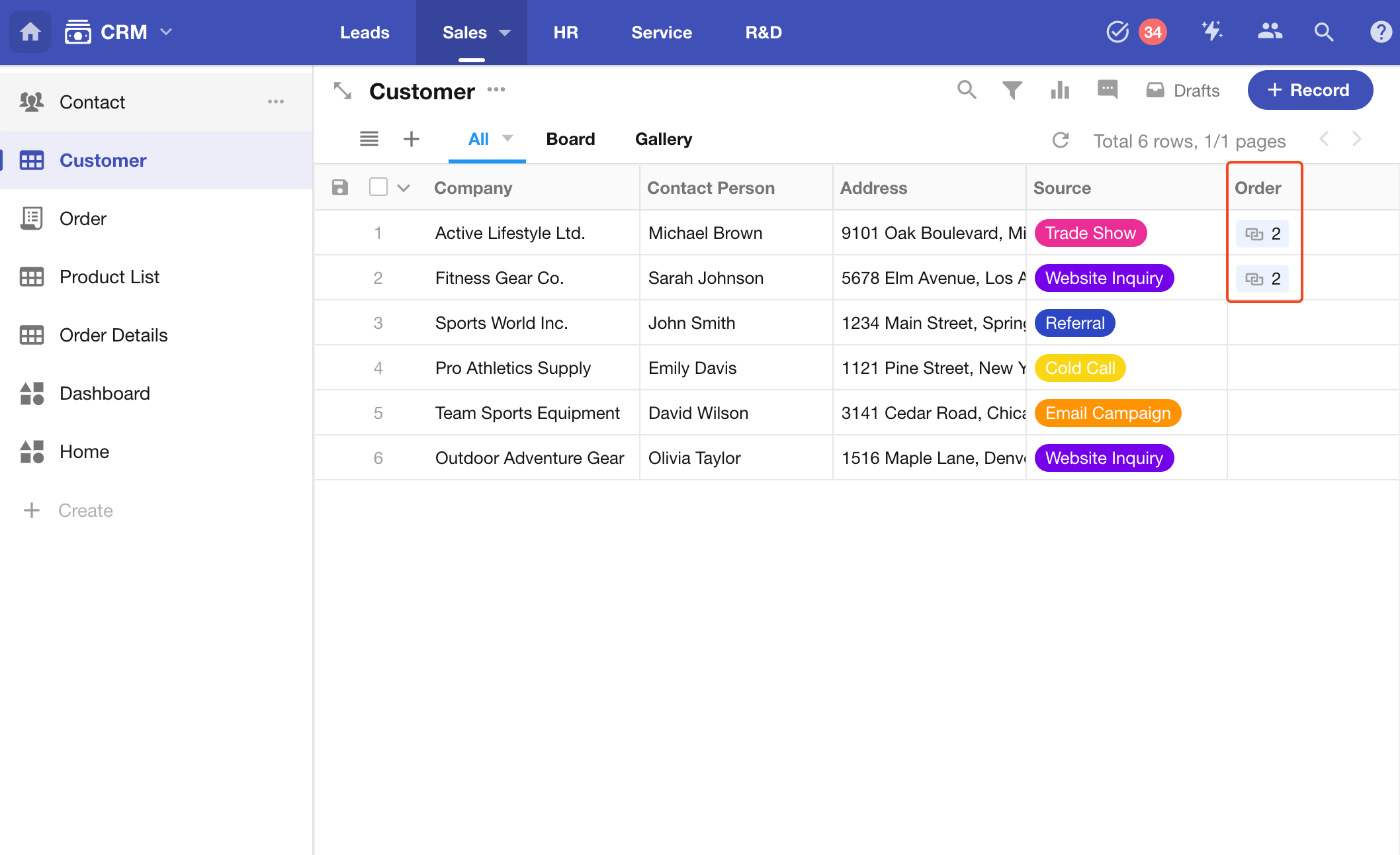
Display in a customer record:
Each order record links back to one customer record:
Many-to-Many (N:N)
A many-to-many relationship means records on both sides can be linked to multiple records.
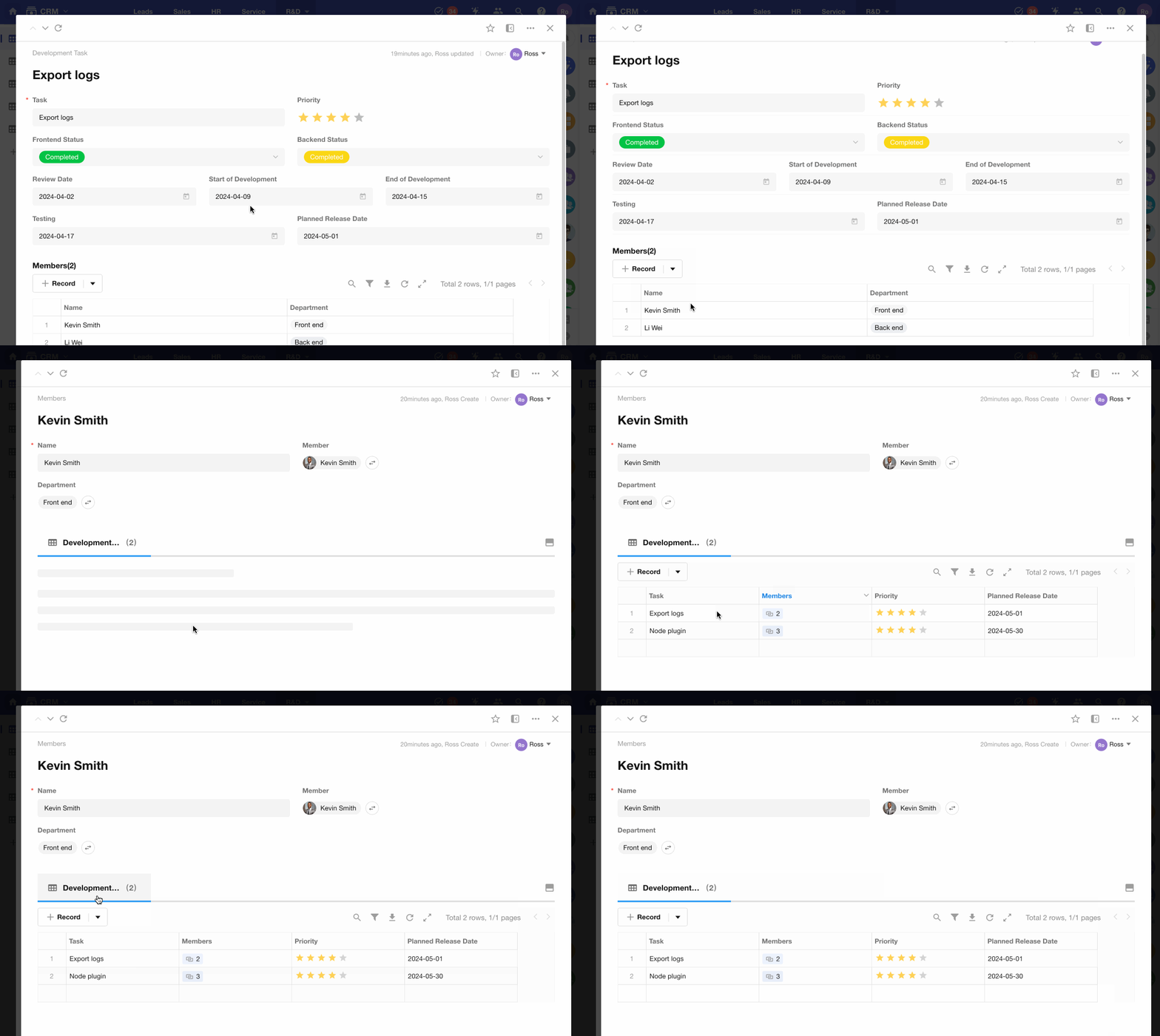
Example: Employees ↔ Tasks
- An employee can participate in multiple tasks
- A task can involve multiple employees
By linking the Employee and Task worksheets:
- You can view all tasks associated with an employee
- You can view all participants within a task
Was this document helpful?