Node — AI-Generate Data Object
The AI-Generate Data Object node allows you to extract structured data from user-input text based on predefined parameters and descriptions. The extracted content is parsed into a usable data object that can be referenced in subsequent workflow nodes.
Example Scenario: Extract order ID and item details from a sales order text.
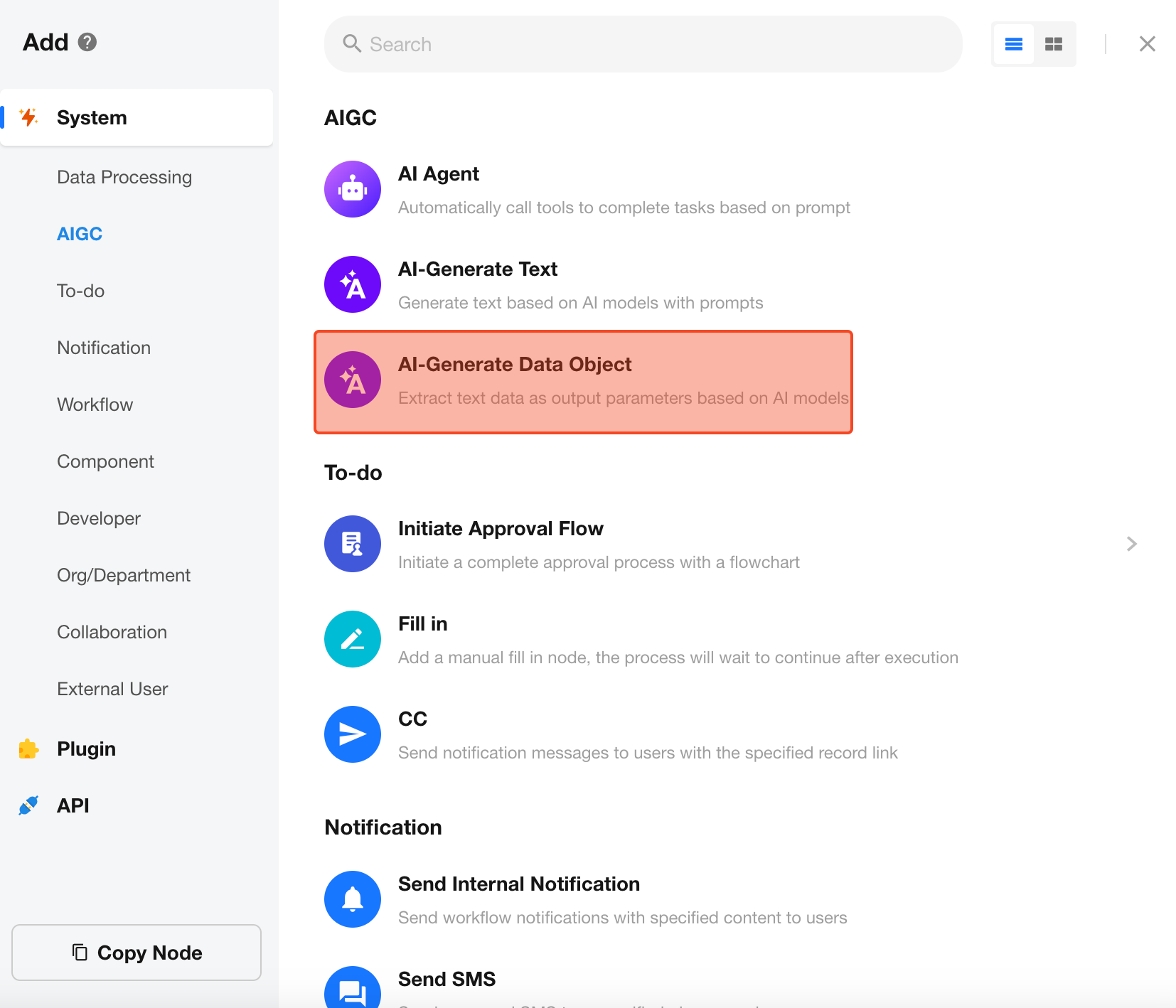
Add the "AI-Generate Data Object" Node
Configure the Node
Select AI Model
Supports multiple models, including GPT-4o-mini, GPT-4o, QWen-Turbo, QWen-Plus, QWen-Max, DeepSeek, etc.
Each model has a different pricing structure, which will be displayed upon selection. Credits will be deducted after each usage.
Prompt
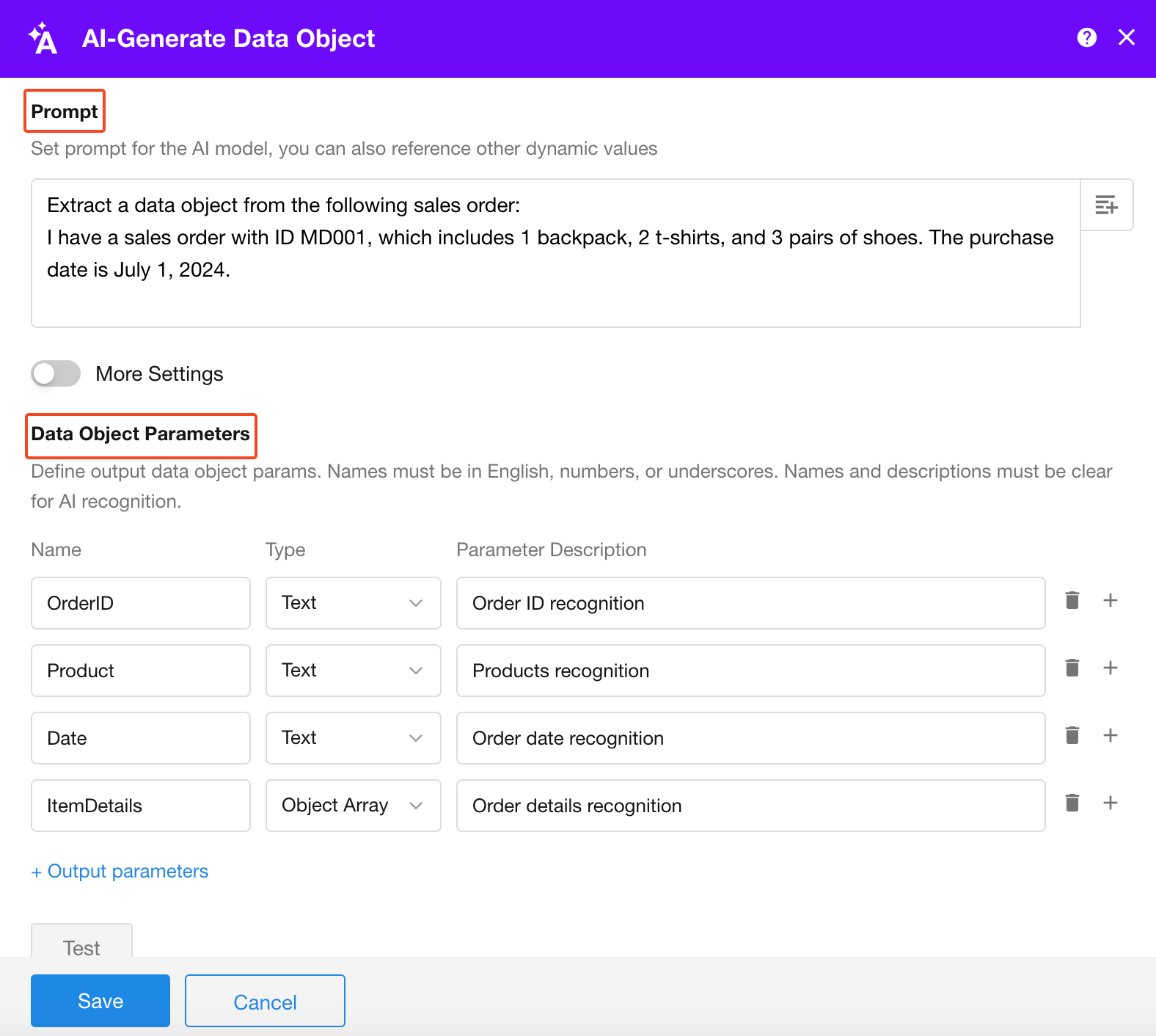
Enter the prompt based on your scenario. You can use static text or select fields from other nodes.
Example Prompt:
Extract a data object from the following sales order:
"I have a sales order with ID MD001, which includes 1 backpack, 2 t-shirts, and 3 pairs of shoes. The purchase date is July 1, 2024."
Parameter Configuration
Define the parameter name, type, and description based on your business needs.
Provide clear and precise descriptions. The AI relies on these descriptions to correctly extract and assign values to the parameters.
Test
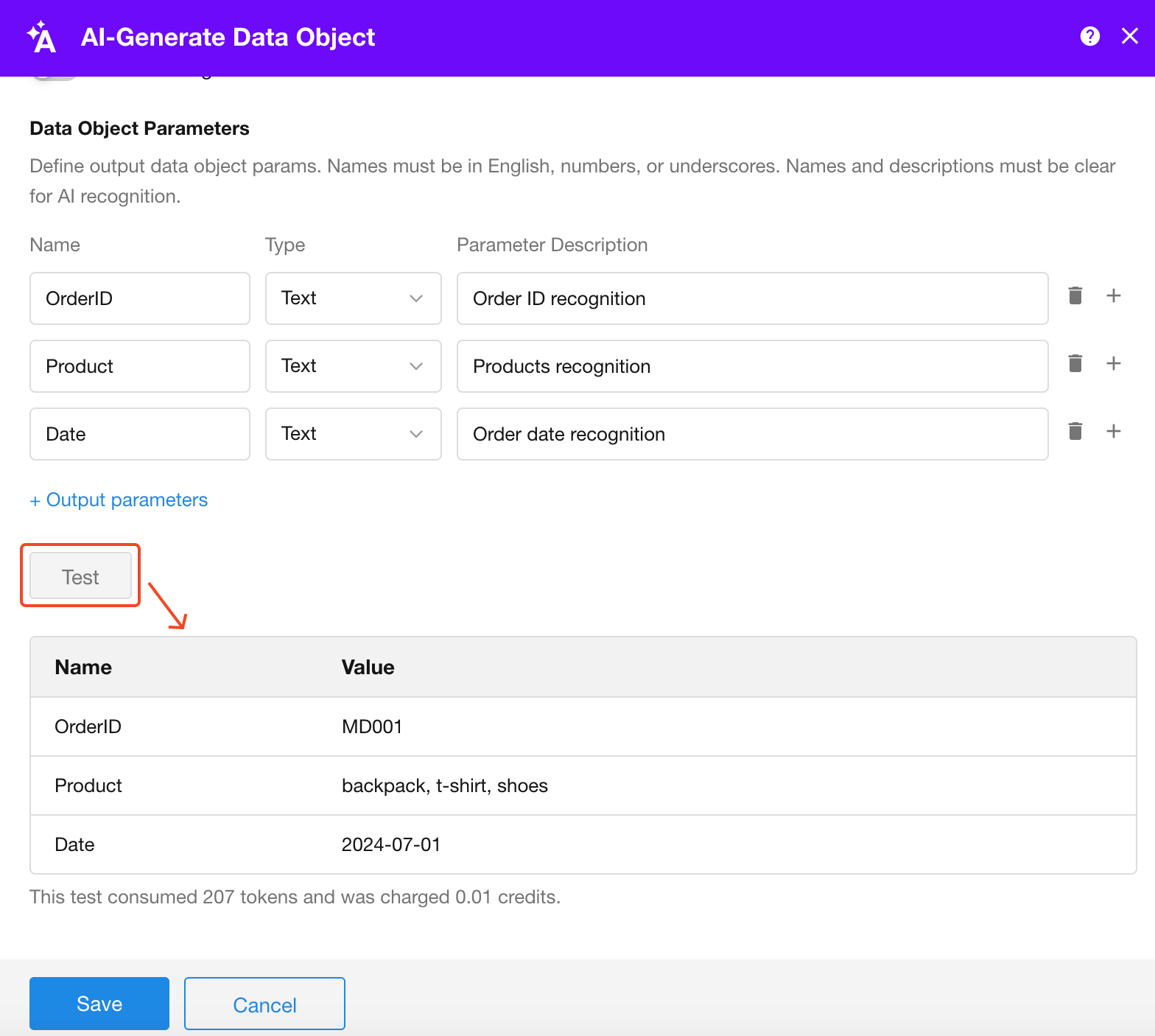
Click the Test button to preview and validate the extracted results.
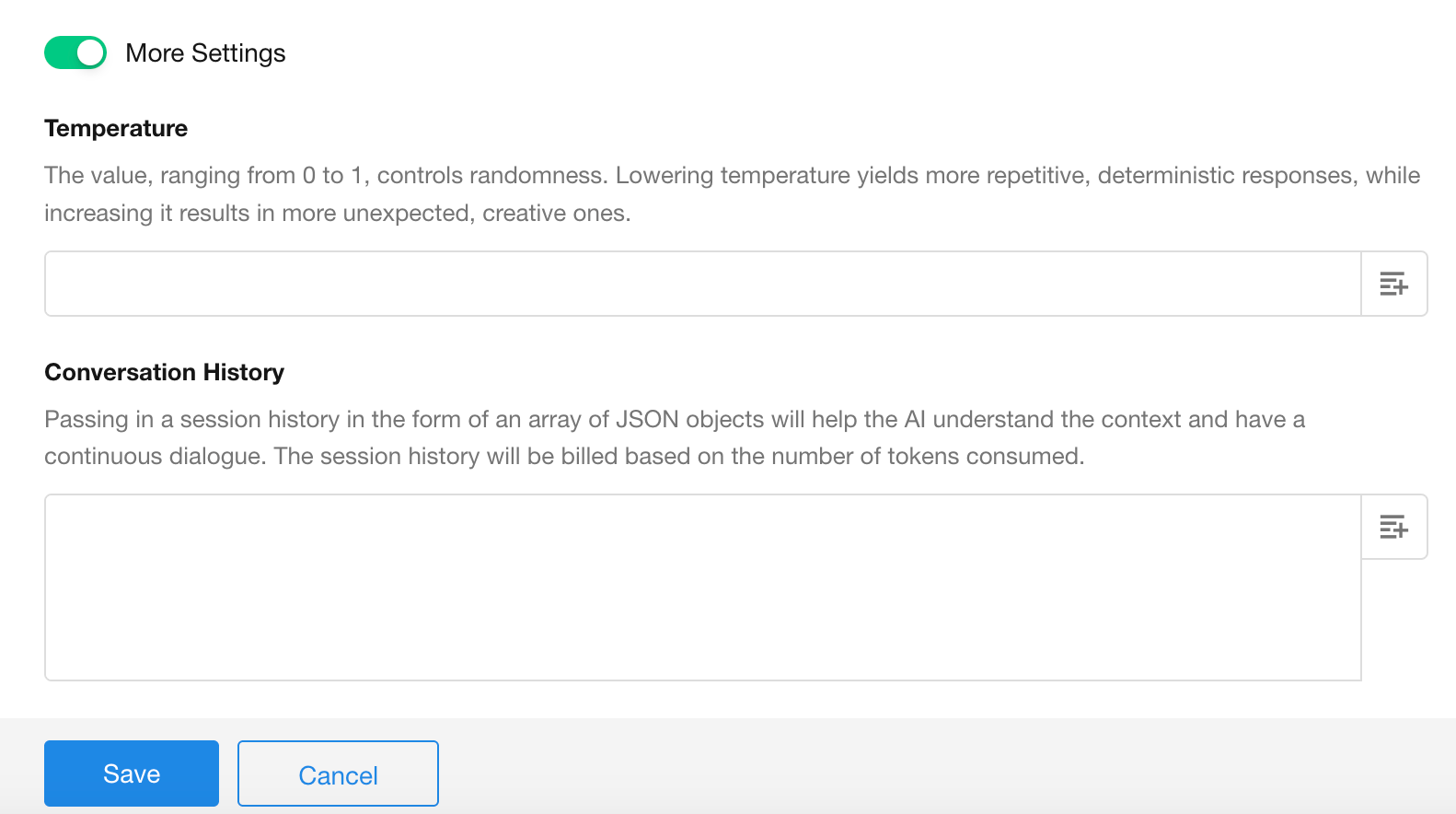
More Settings
Configure additional options like system message and temperature to fine-tune the AI's output according to your expectations.
Using the Generated Data Object
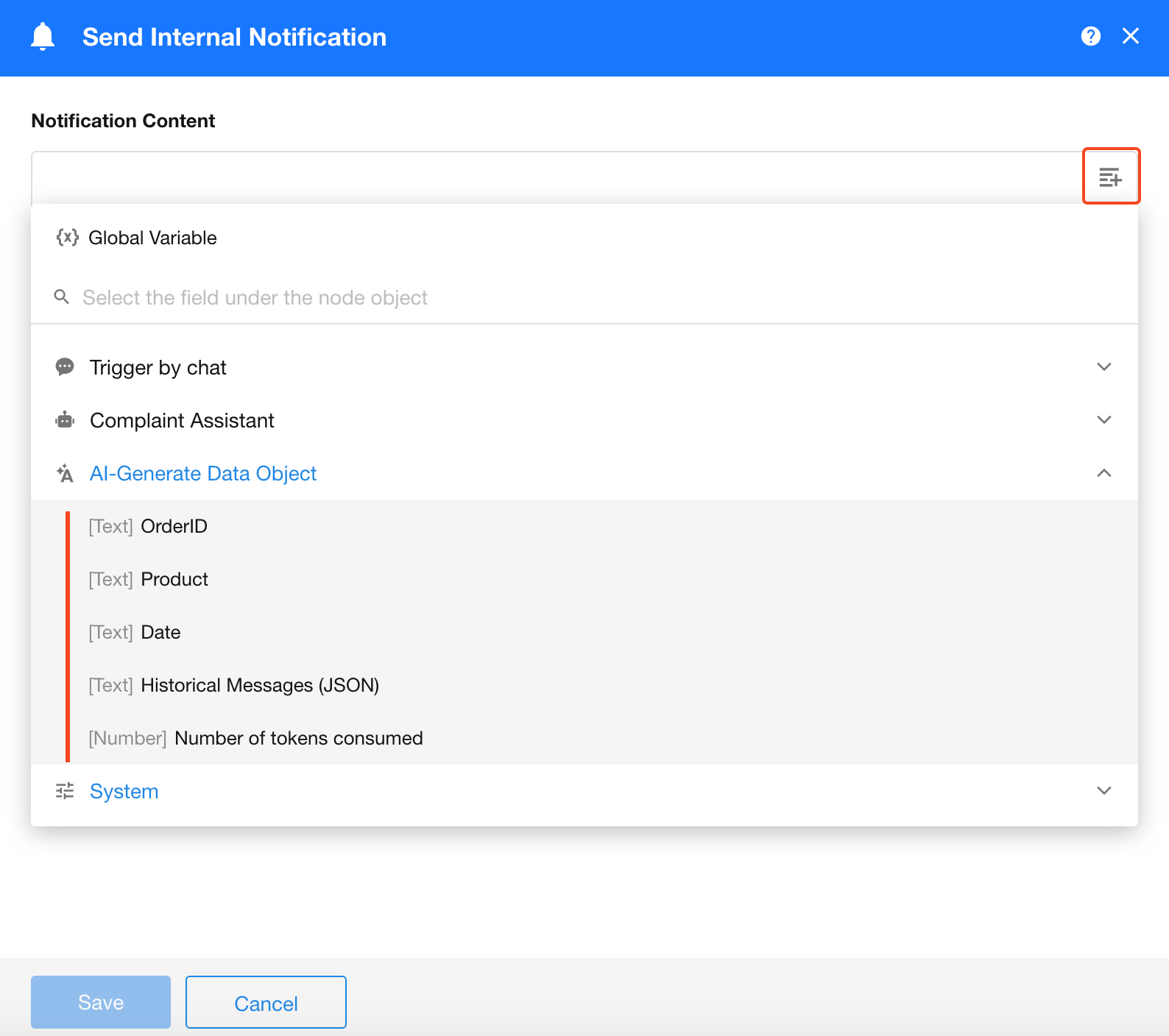
Subsequent nodes can access the following outputs from this node: generated object parameters, history messages (JSON format), and tokens consumed.