Node - Calibrate
The Calibrate node works the same as the Batch Refresh Data feature in worksheets. It allows immediate recalculation and synchronization of delayed fields such as formula fields, rollup fields, foreign fields (stored data), concat fields, and option fields.
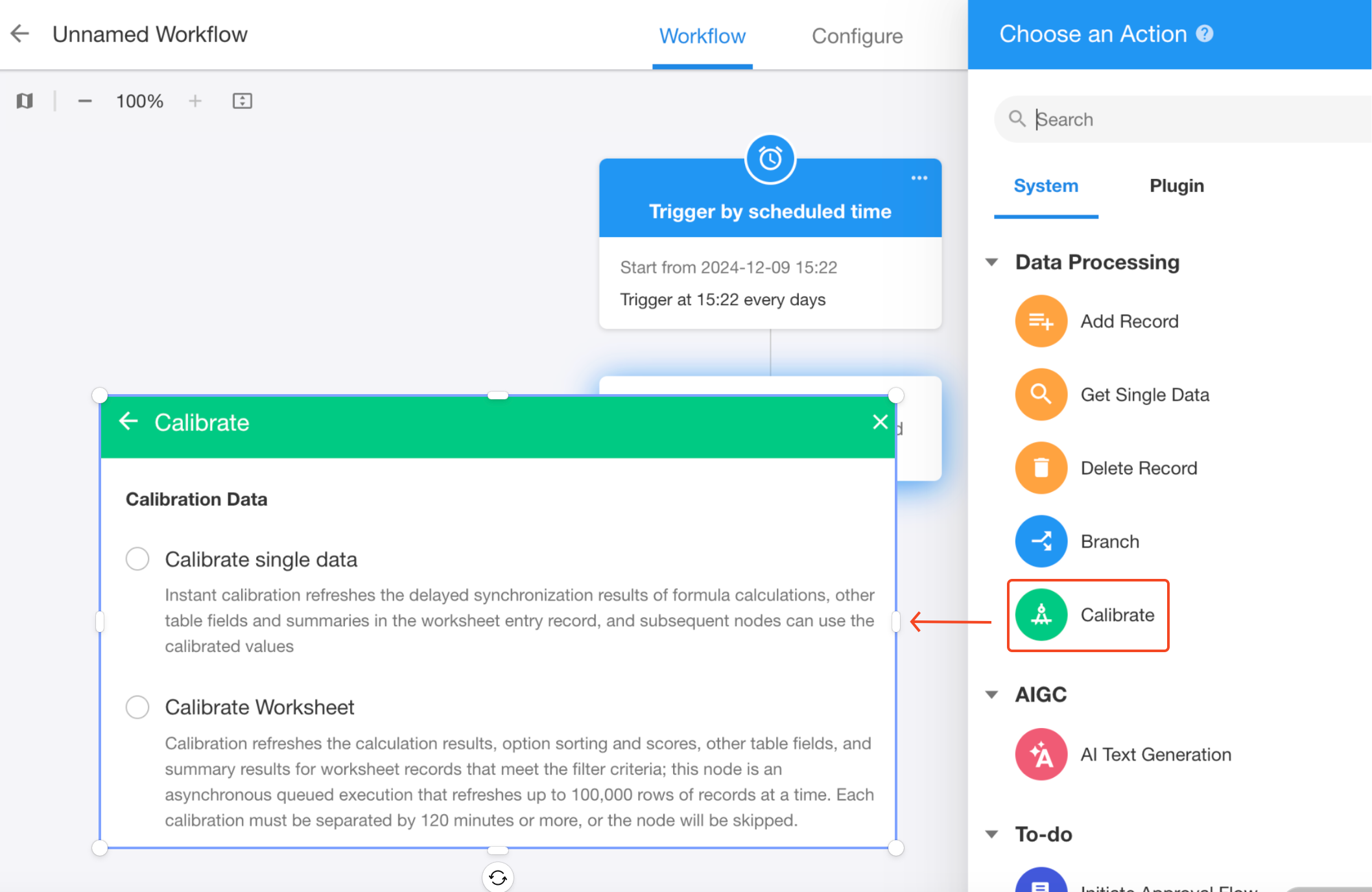
Calibration Methods
Two calibration methods are supported: Calibrate Single Record and Calibrate Worksheet.
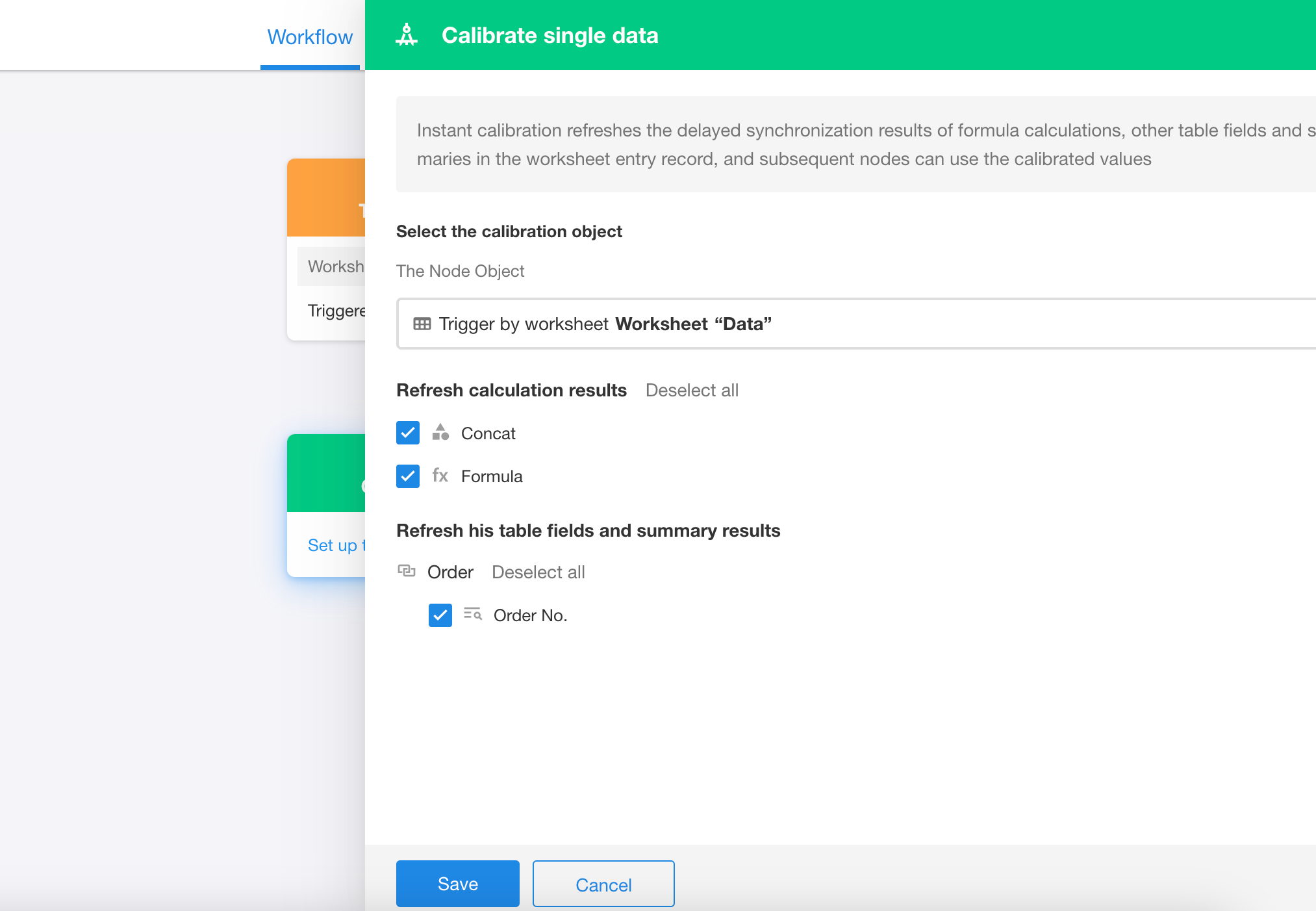
Calibrate Single Record
Instantly refresh delayed fields in a single record, such as:
- Formula fields
- Rollup fields
- Foreign fields (stored data)
The calibrated values can be used by subsequent nodes in the workflow.
Calibrate Worksheet
-
Refresh calculation results, option sorting and values, foreign fields (stored data), and rollup results for all records that meet filter conditions in a worksheet.
-
When the workflow reaches the Calibrate node, calibration is performed asynchronously in the background, and subsequent nodes are executed immediately — they cannot use the refreshed values.
-
A maximum of 100,000 records can be refreshed in a single operation. If you need to refresh more, use filters to split the calibration into multiple batches.
-
A minimum interval of 120 minutes is required between two calibrations. If triggered again within 120 minutes, the node will be skipped.

Was this document helpful?